Love them or hate them, pop-ups work. The trick is making them feel helpful instead of pushy.
A good pop-up builder lets you show the right message to the right visitor at the right moment, whether that's a discount, a signup form or a reminder before they leave.
We checked the prices and features of the most popular tools this month. Here are the 10 best website pop-up builders for 2027, plus the strategies that turn pop-ups into subscribers and sales.
The Quick Comparison
Short on time? Here's every tool side by side. Prices are the lowest paid plan on each official site, checked in November 2026.
| # | Tool | Starts at | Free plan | Best for |
|---|---|---|---|---|
| 1 | Converti | $5.58/mo yearly | No, 30 day refund | 39 widgets for leads, proof and urgency on a small budget |
| 2 | OptinMonster | $9/mo first year, billed yearly | No | WordPress sites and exit intent campaigns |
| 3 | OptiMonk | $19/mo yearly | Yes, 10,000 pageviews | Online stores that want AI personalization |
| 4 | Privy | $24/mo yearly | 15 day trial | Shopify stores using email and SMS |
| 5 | Getsitecontrol | $19/mo | Yes | Pop-ups, surveys and simple emails in one |
| 6 | Hello Bar | $29/mo | Yes, 5,000 views | Simple top bars and light pop-ups |
| 7 | Poptin | Priced by traffic | Yes | Gamified pop-ups plus email marketing |
| 8 | Sleeknote | $55/mo yearly | 14 day trial | Polished ecommerce campaigns |
| 9 | Popupsmart | $32/mo yearly | Yes | No-code pop-ups with a forever free plan |
| 10 | Wisepops | Custom quote | Demo | Larger ecommerce brands |
What Is a Website Pop-Up Builder?
A website pop-up builder is a tool that lets you create messages that appear while people browse your site. You design them without code, choose when they show up and decide who sees them.
People use them to collect emails, share offers, recover abandoned carts, announce sales and ask for feedback.
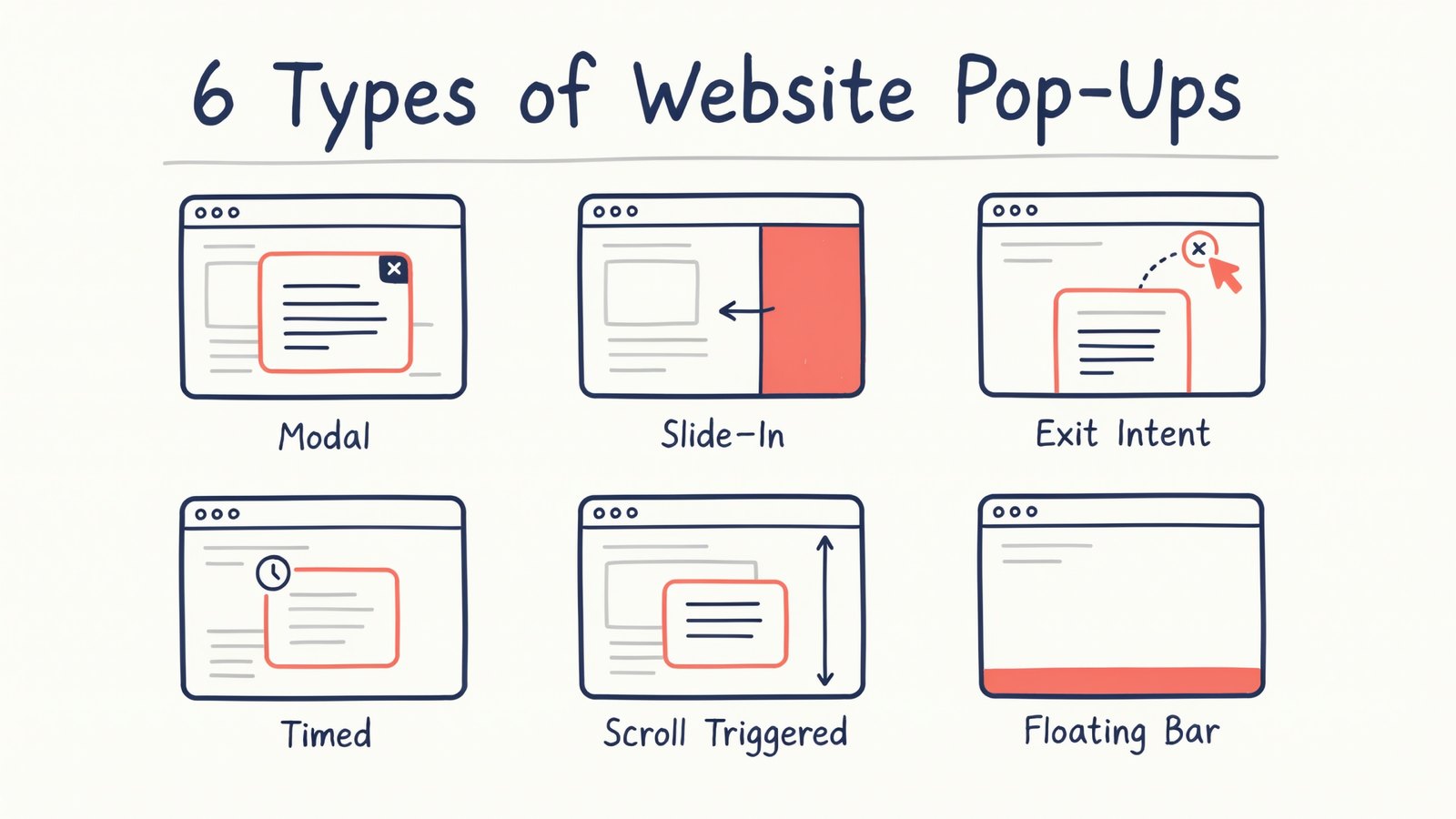
Here are the main types you'll see.
- Modal pop-ups appear in the middle of the screen and dim the page behind them.
- Slide-ins glide in from a corner and feel less intrusive.
- Exit intent pop-ups appear when someone is about to leave.
- Timed pop-ups show after a visitor has been on the page for a while.
- Scroll pop-ups appear when someone scrolls part way down.
- Bars stick to the top or bottom of the page and never block content.
What to Look for in a Pop-Up Builder
Plenty of tools look similar at first. These are the features that make the real difference.
- Smart triggers. Exit intent, time on page, scroll depth and page targeting.
- Mobile-friendly designs that don't get you in trouble with Google or annoy phone users.
- A/B testing so you can see which message wins.
- Integrations with your email marketing tool or store.
- Fast loading so your pages don't slow down.
- Fair pricing that doesn't jump the moment your traffic grows.
Keep those in mind as you read the list.
1. Converti
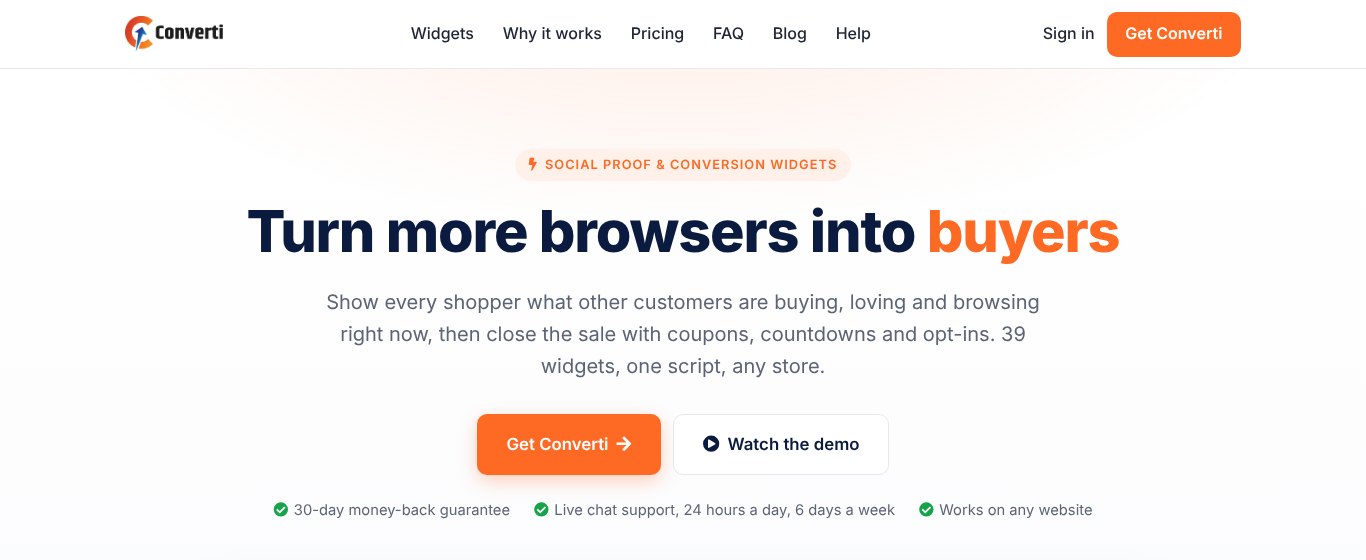
Converti is our own tool, and it takes a slightly different approach. Instead of only pop-ups, it gives you 39 conversion widgets that all run from one lightweight script.
For list building you get newsletter pop-ups, a floating signup form, an email collector bar, phone number collectors and countdown offers. Then there's social proof, like recent sales notifications, live visitor counts and Google reviews, plus coupons, scratch cards and chat buttons for WhatsApp, Messenger and Telegram.
You pick a widget, match it to your brand, choose the pages and publish. Widgets load in the background, so your pages stay fast, and they look right on phones and desktops.
Pricing
$5.58 a month, paid yearly ($67 a year), or $6.99 month to month for the Elite plan, which covers one website with 10 widgets and 8,000 widget views a month. Pro is $97 a year for 5 websites and unlimited widgets. There's a 30 day money-back guarantee.
Pros
- Pop-ups, bars, social proof and urgency in one tool
- Very low price for what you get
- One script, so it works on any website
Cons
- No free plan
- Widget view limits on the Elite plan
Best for Small businesses, stores and bloggers who want more signups and sales without paying for several tools.
2. OptinMonster
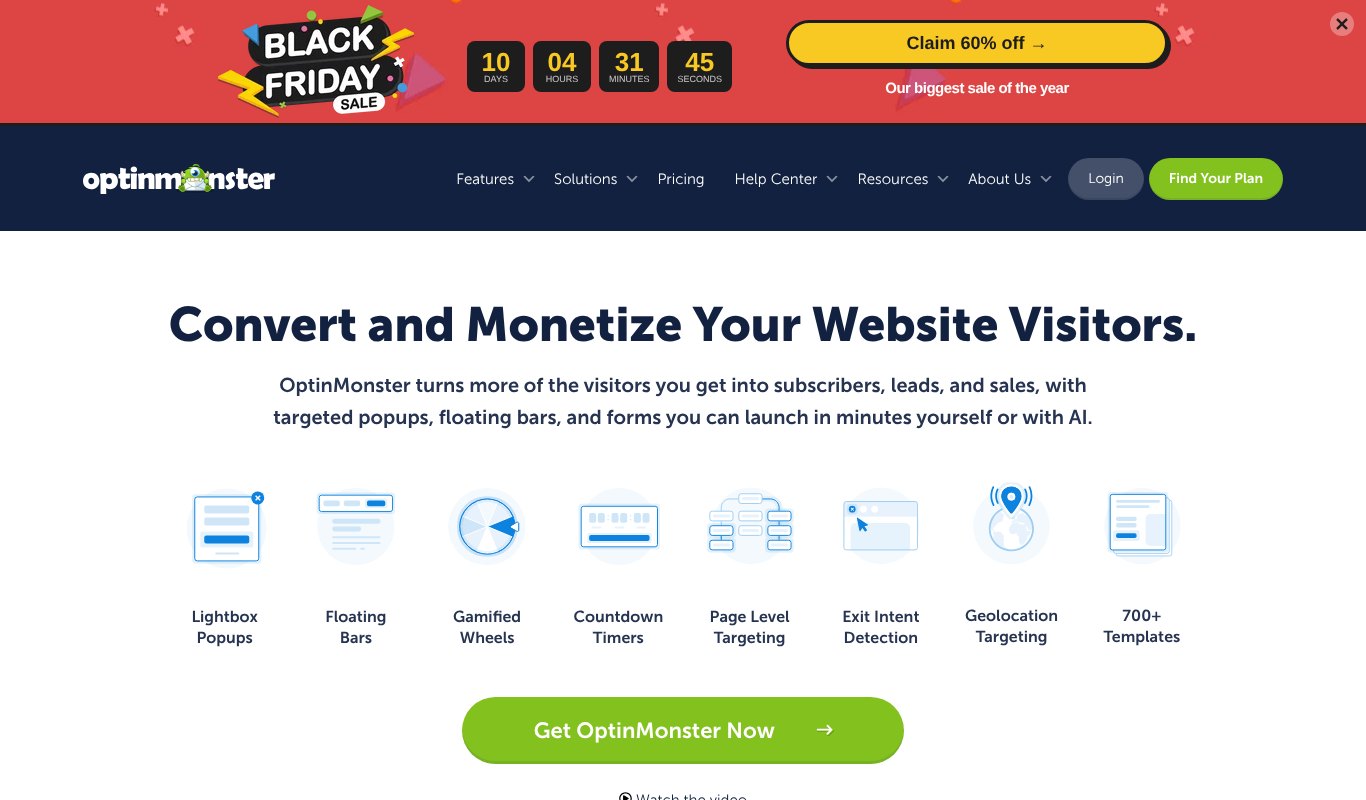
OptinMonster is one of the best known pop-up builders, especially on WordPress sites.
It's famous for its exit intent technology and offers lots of campaign types, including pop-ups, floating bars, slide-ins, full-screen welcome mats and gamified spin wheels. Targeting rules are detailed, and it connects with most email marketing tools.
Pricing
No free plan. Basic is $108 for the first year (about $9 a month), then renews at $210 a year. Higher plans add more sites and features.
Pros
- Strong exit intent and targeting
- Huge template library
- Works well with WordPress
Cons
- Renewal prices are much higher than the first year
- Best features sit in pricier plans
Best for Bloggers and WordPress site owners who want proven campaigns.
3. OptiMonk
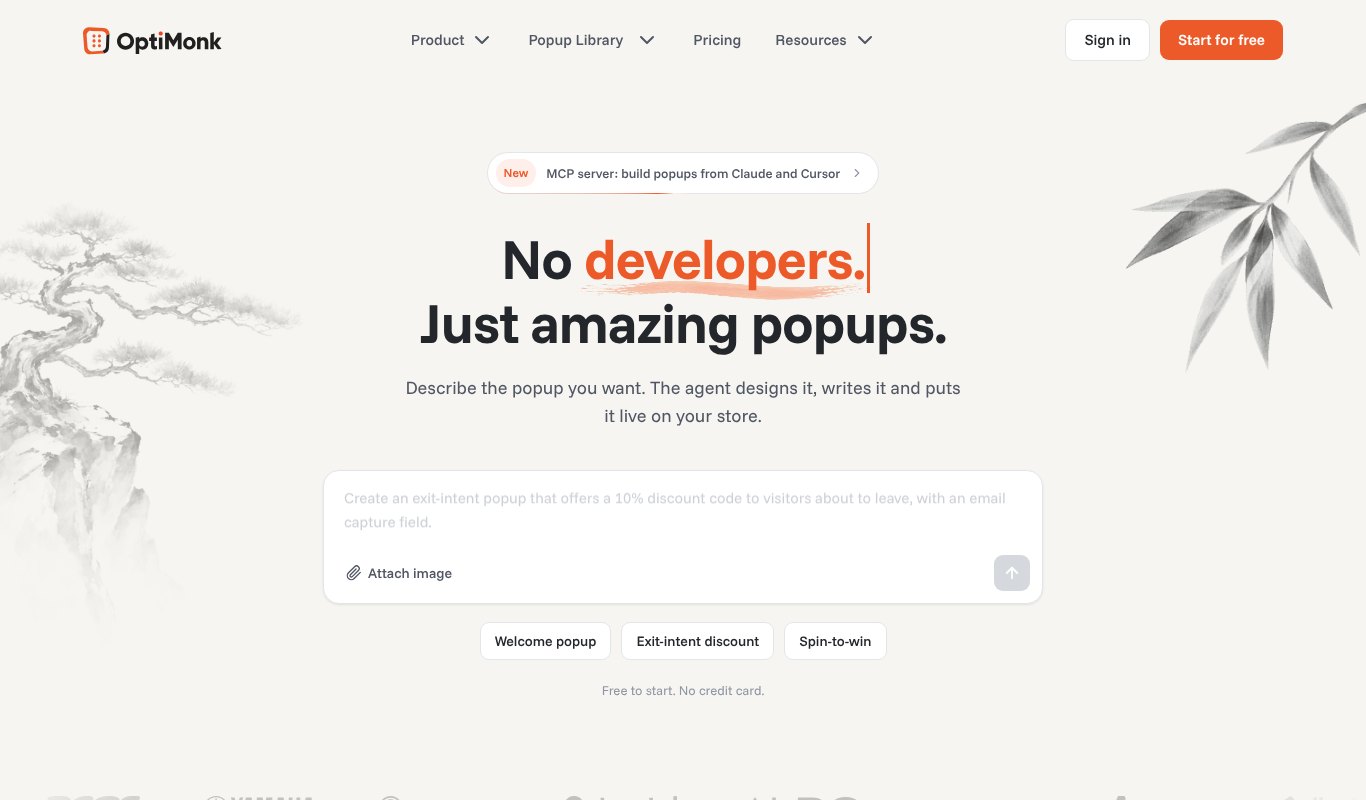
OptiMonk is built for online stores, with a strong focus on AI.
Its newest trick is an AI agent. You describe the pop-up you want, and it designs it, writes it and puts it live on your store.
Alongside pop-ups, sticky bars and side messages, it can personalize product pages and run smart A/B tests. It works well with Shopify and other ecommerce platforms.
Pricing
Free up to 10,000 pageviews a month. Essential starts at $19 a month billed yearly, or $29 month to month. Growth is $69 yearly and Premium is $179.
Pros
- Generous free plan
- AI tools for personalization and testing
- Built with stores in mind
Cons
- Prices rise quickly with traffic
- More than a simple blog needs
Best for Ecommerce brands that want to personalize their store as well as run pop-ups.
4. Privy
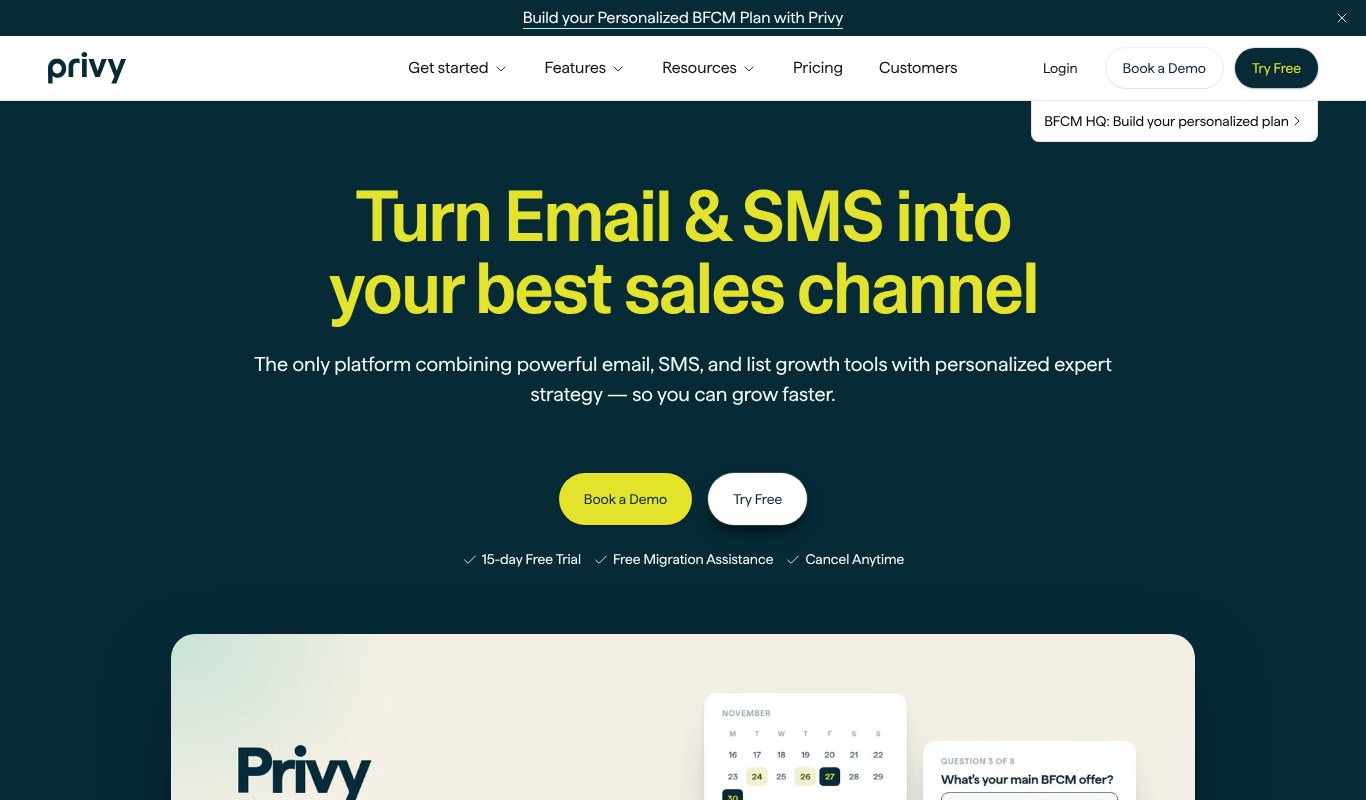
Privy is made for Shopify stores and combines pop-ups with email and SMS marketing.
You can collect emails with pop-ups and spin to win wheels, recover abandoned carts, send welcome emails and run text message campaigns from one place.
Pricing
From $30 a month, or about $24 a month billed yearly, with 250 free SMS credits. There's a 15 day free trial.
Pros
- Pop-ups, email and SMS together
- Very good Shopify integration
- Cart recovery built in
Cons
- Mostly for Shopify stores
- Costs grow with your contact list
Best for Shopify stores that want list building and email in one tool.
5. Getsitecontrol
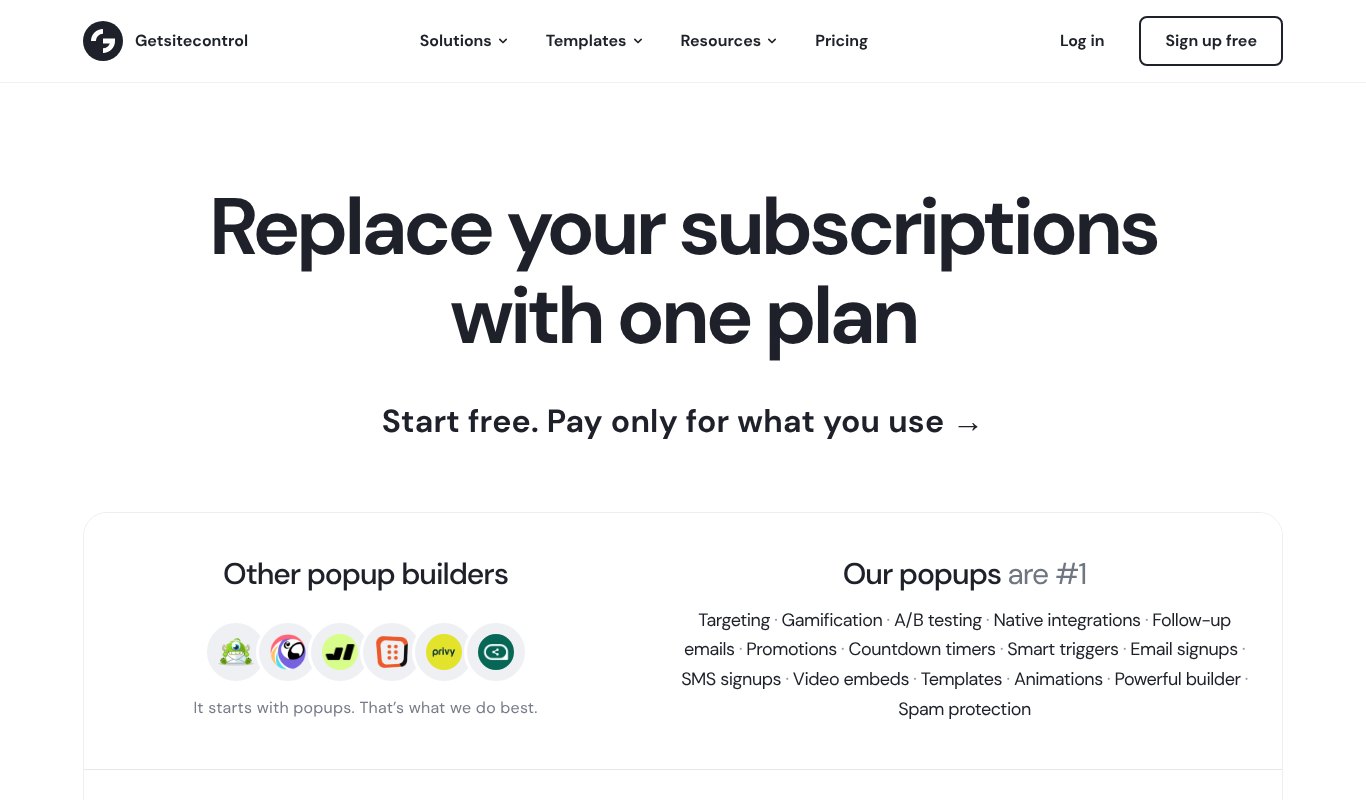
Getsitecontrol does more than pop-ups. You get forms, surveys, banners and contact widgets, plus a simple way to send emails to the people you collect.
It's easy to set up and has a clean editor, which makes it popular with small businesses.
Pricing
Free plan available. Paid plans start at $19 a month, with a $29 plan above it. Emails are charged per 1,000 sent.
Pros
- Many widget types in one tool
- Free plan to start
- Quick to set up
Cons
- Email sending costs extra
- Fewer advanced targeting options than bigger tools
Best for Small businesses that want pop-ups, surveys and basic emails together.
6. Hello Bar
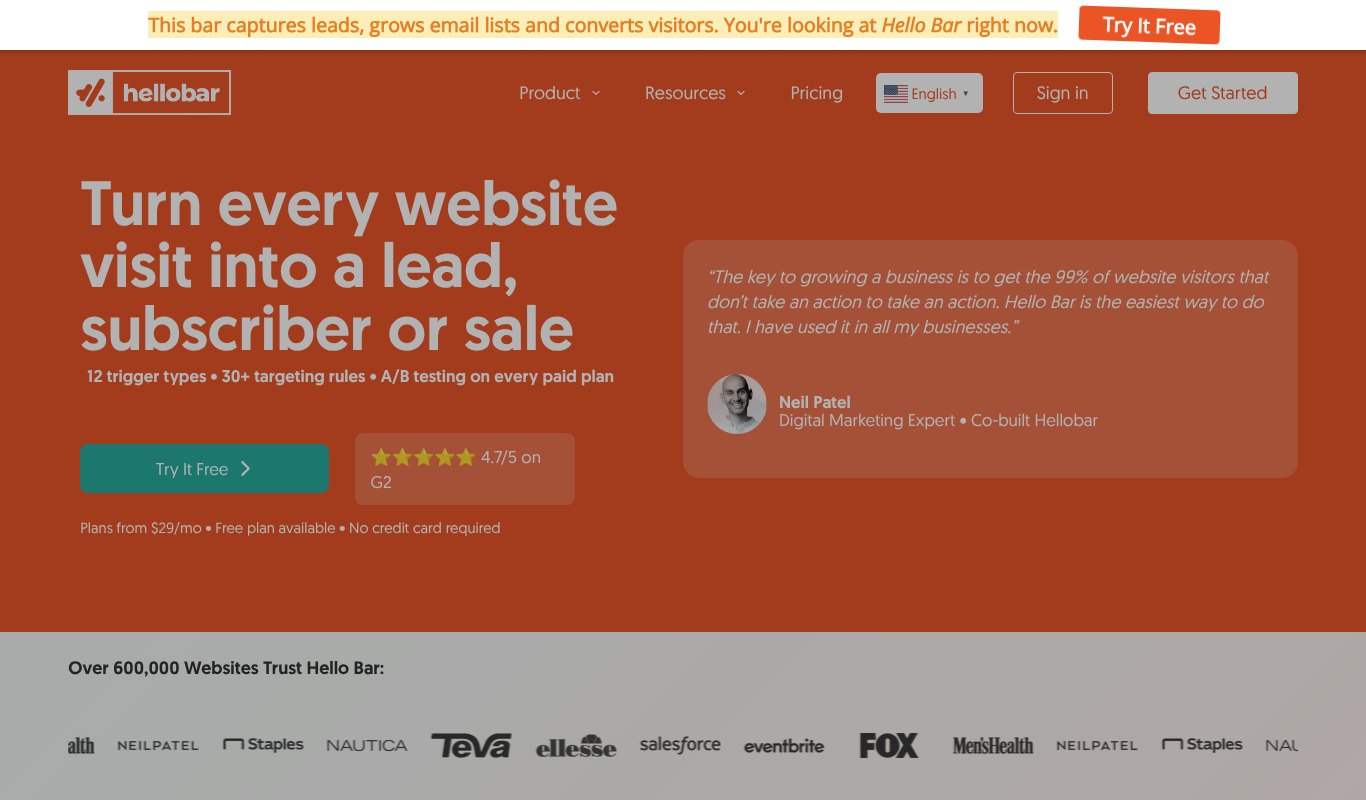
Hello Bar is known for its simple notification bars that sit at the top of the page.
It also makes small pop-ups and sliders, with 12 trigger types and more than 30 targeting rules. Everything is very beginner friendly, and A/B testing comes with every paid plan.
Pricing
Free forever up to 5,000 views. Paid plans are $29, $49 and $99 a month.
Pros
- Light, non-intrusive bars
- Very easy to use
- A/B testing on every paid plan
Cons
- Limited design options
- Fewer advanced triggers
Best for Sites that want a simple bar or a gentle pop-up without fuss.
7. Poptin
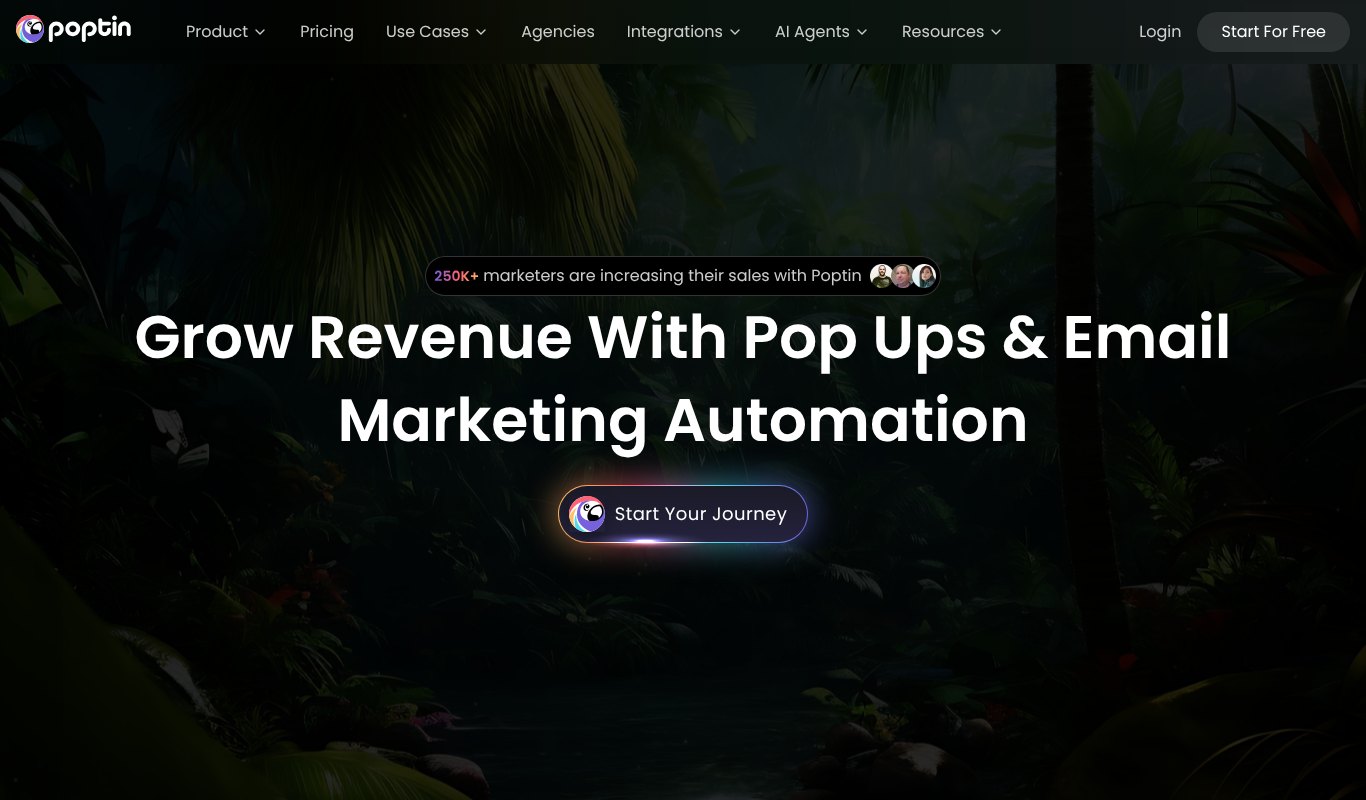
Poptin mixes pop-ups and forms with built-in email marketing.
It has 60+ templates, gamified pop-ups, contact forms, segments and automations, and paid plans include unlimited domains and unlimited pop-ups.
Pricing
Free plan available. The Growth plan is priced by your number of visitors and email contacts, so you pick the size that fits your site.
Pros
- Pop-ups and email marketing in one
- Fun gamified pop-ups
- Unlimited domains on paid plans
Cons
- Pricing takes a little working out
- Smaller integration list than some rivals
Best for Small businesses and startups that want pop-ups and emails without two separate tools.
8. Sleeknote
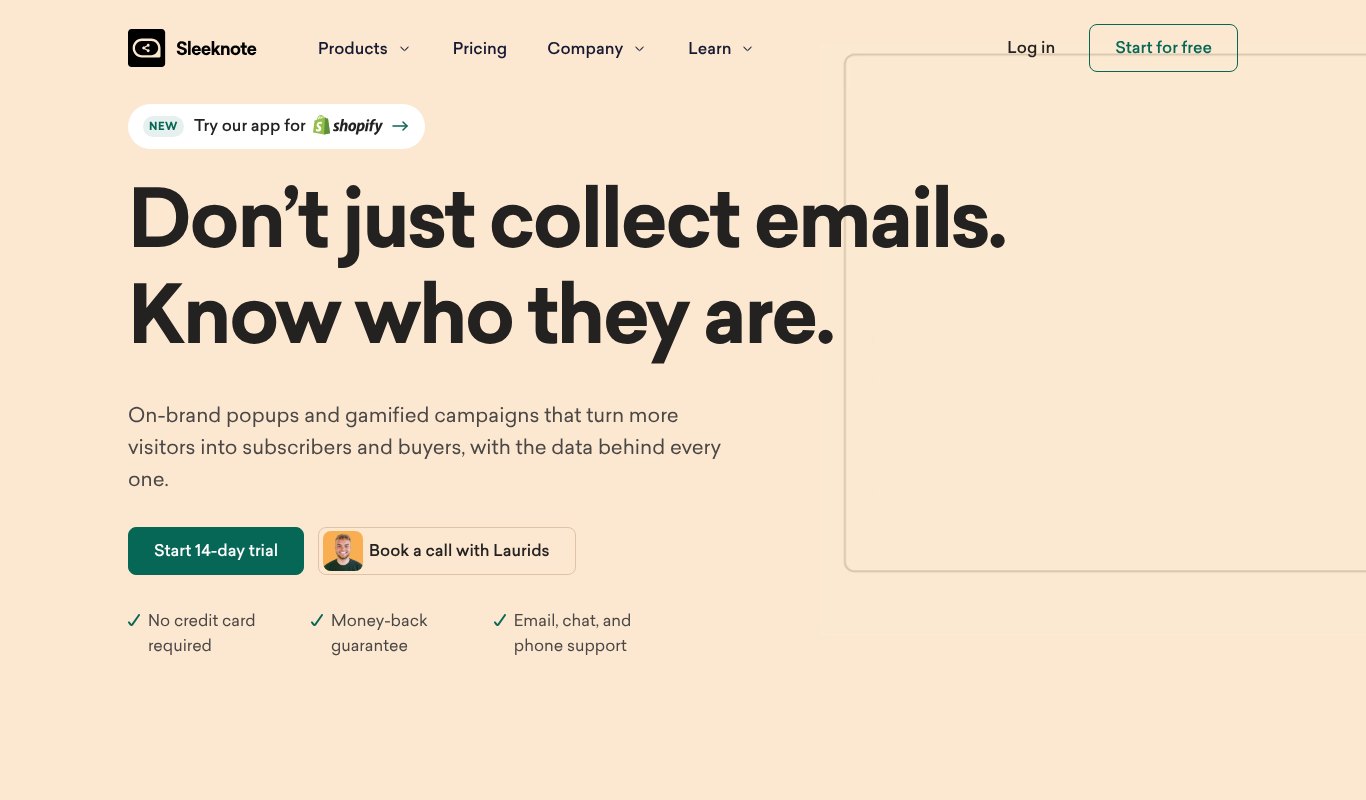
Sleeknote is a polished tool for ecommerce brands that care about a smooth visitor experience.
It's known for its small teaser that appears first, so visitors choose to open the full pop-up. It also offers strong targeting, mobile designs and personalized product recommendations.
Pricing
Priced by monthly visitors. It starts at $55 a month billed yearly for up to 25,000 visitors. There's a 14 day free trial with all features.
Pros
- Clean, high-quality designs
- Teasers feel less pushy
- Good for privacy-minded brands
Cons
- Costs more than most tools here
- Takes a little time to learn
Best for Established online stores that want premium, brand-friendly campaigns.
9. Popupsmart
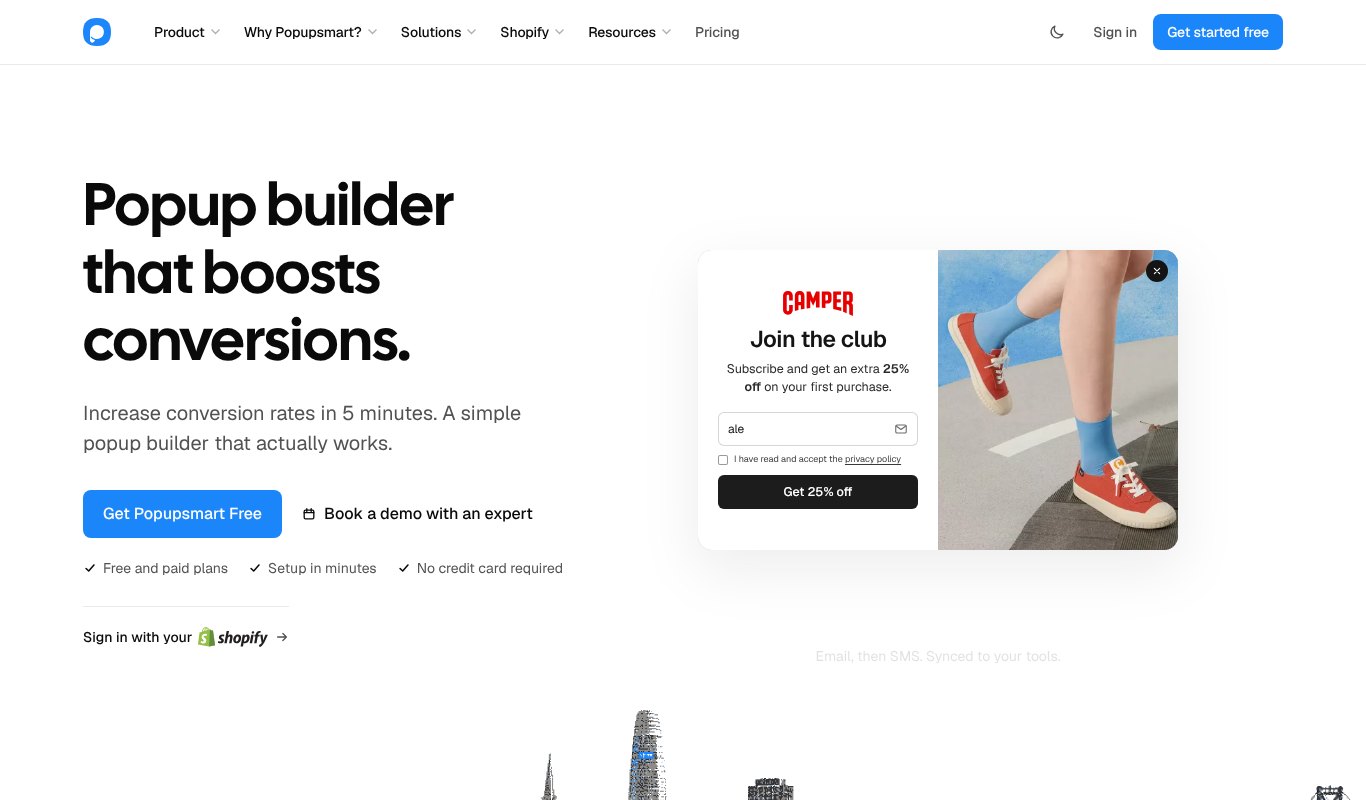
Popupsmart is a no-code pop-up builder with a forever free plan.
You get a drag and drop editor, ready templates, targeting rules and integrations with popular email and CRM tools.
Pricing
Forever free plan. Basic is about $32 a month billed yearly, with Advanced, Pro and Expert plans above it.
Pros
- Free plan that doesn't expire
- Easy no-code editor
- Good template range
Cons
- Paid plans cost more than some rivals
- Free plan is limited
Best for Beginners who want to try pop-ups for free before paying.
10. Wisepops
Wisepops is an onsite marketing platform for larger ecommerce brands.
Beyond pop-ups and bars, it offers embedded blocks, a notification feed and SMS and email capture, with a team that helps plan your campaigns.
Pricing
Custom pricing. Plans depend on your traffic and the level of service you need, and you get a quote after a call.
Pros
- Many onsite formats beyond pop-ups
- Expert help with strategy
- Built for high traffic stores
Cons
- No public prices
- Overkill for small sites
Best for Bigger online stores that want a managed onsite marketing partner.
Price Comparison at a Glance
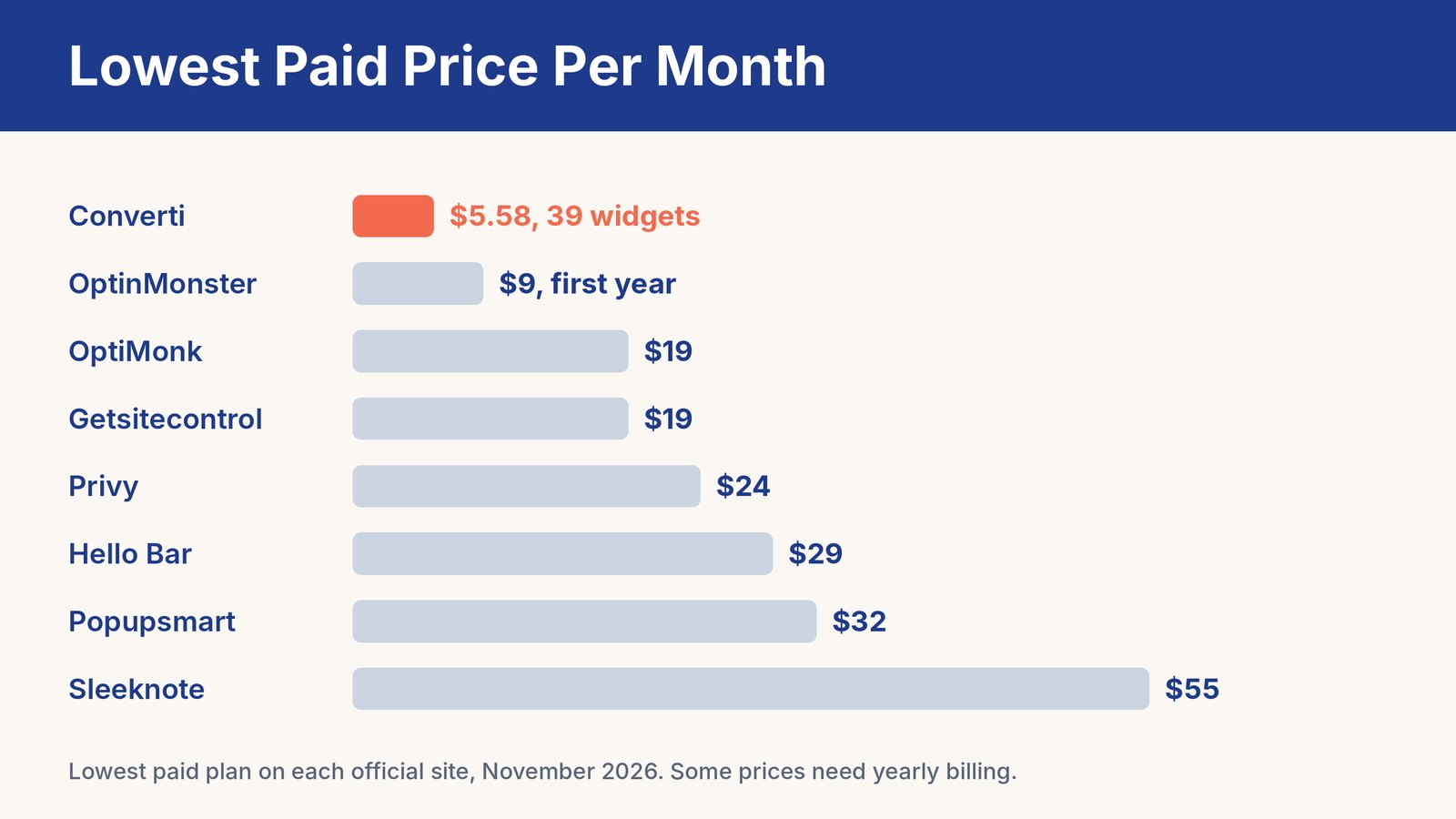
Here's the lowest monthly price each tool shows on its own site. Poptin and Wisepops price by traffic or quote, so they're not on the chart.
Converti is the cheapest paid option here, and it covers social proof, urgency and chat widgets too, not only pop-ups.
7 Pop-Up Strategies That Actually Engage
The tool is only half the story. How you use it decides whether visitors click or close.
1. Wait Before You Pop
A pop-up that appears the second someone lands feels rude. Wait until they've read for a while, scrolled half the page or are about to leave.
2. Use Exit Intent
Catching people as they leave is low risk. They were going anyway, so a good offer can only help.
3. Offer Something Real
"Join our newsletter" isn't an offer. A discount, a checklist, a free guide or a useful tip every week is.
4. Match the Page
Show a recipe ebook on recipe posts and a shipping discount on product pages. Relevant offers convert far better than one pop-up everywhere.
5. Be Kind on Mobile
Use small slide-ins or bars on phones, make the close button easy to tap and never cover the whole screen. Google doesn't like intrusive mobile pop-ups either.
6. Add Social Proof
Recent sales, review pop-ups and subscriber counts show that real people trust you. That makes the next visitor more likely to act.
7. Test One Thing at a Time
Try a new headline, a new offer or a new trigger, but not all at once. Keep the winner and test again.
Want more ideas for your forms? See our guide to newsletter signup forms and our list of the best email collection tools.
Common Pop-Up Mistakes
- Showing pop-ups to people who already subscribed. Hide them for existing subscribers and customers.
- Stacking several pop-ups at once. One message at a time is plenty.
- Hiding the close button. Frustrated visitors leave and don't come back.
- Asking for too much. An email address is usually enough.
- Never checking the numbers. If a pop-up gets lots of views and no signups, change it.
Frequently Asked Questions
What is the best website pop-up builder?
It depends on your site. For the best value with pop-ups, social proof and urgency in one tool, Converti is hard to beat. OptinMonster suits WordPress sites, and Privy suits Shopify stores.
Is there a free pop-up builder?
Yes. OptiMonk, Getsitecontrol, Hello Bar, Poptin and Popupsmart all have free plans with limits on views or features.
Do pop-ups hurt SEO?
Intrusive pop-ups that cover the content on mobile can hurt. Small slide-ins, bars and well-timed pop-ups that are easy to close are generally fine.
When should a pop-up appear?
After a visitor shows interest. Good triggers are 30 seconds or more on the page, scrolling half way, or exit intent.
Do pop-ups still work in 2027?
Yes, when they're relevant, well timed and easy to close. Annoying pop-ups don't work, but helpful ones still grow lists and sales.
Final Thoughts
Pop-ups aren't the problem. Bad pop-ups are.
Pick a tool that fits your site and budget, show one helpful offer at the right moment, and keep testing.
And if you want pop-ups, signup bars, social proof and countdowns in one simple tool for less than most single plugins, try Converti.