Most people who visit your website leave without buying, signing up or telling you who they are. I see it on our own sites every day. If you don't capture an email address before they go, you've usually lost them for good.
That's why I treat email collection as a core part of every site I run. An email list is the one audience you own: no algorithm decides whether your subscribers see your message.
In this updated 2027 guide I'll walk you through what email collection tools do, the nine I'd consider today (with current prices from each vendor's own pricing page), and the practices that actually grow a list. Converti is our own product at Teknikforce, and it's my first recommendation, but I've laid out the alternatives honestly.
What is an email collection tool?
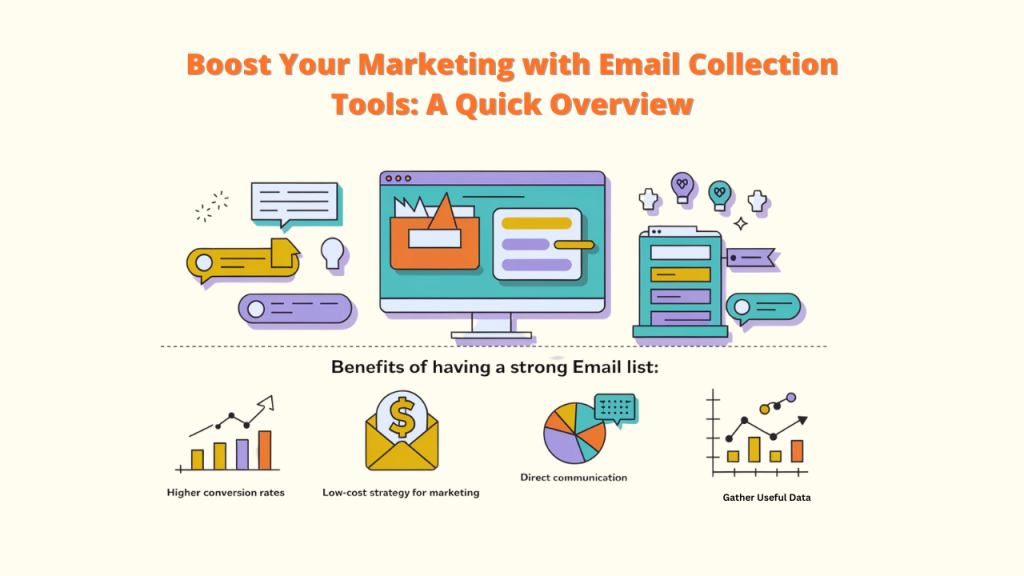
An email collection tool is software that adds sign-up forms to your website, such as pop-ups, bars, slide-ins and embedded forms, so visitors can give you their email address. Good tools also let you choose when and where forms appear and send new leads to your email platform.
Why a strong email list matters:
- You reach people directly, without relying on social media algorithms.
- It's low-cost marketing once the list is built.
- You can segment and personalize messages.
- You learn what your audience wants from what they sign up for and click.
Why you should capture email addresses
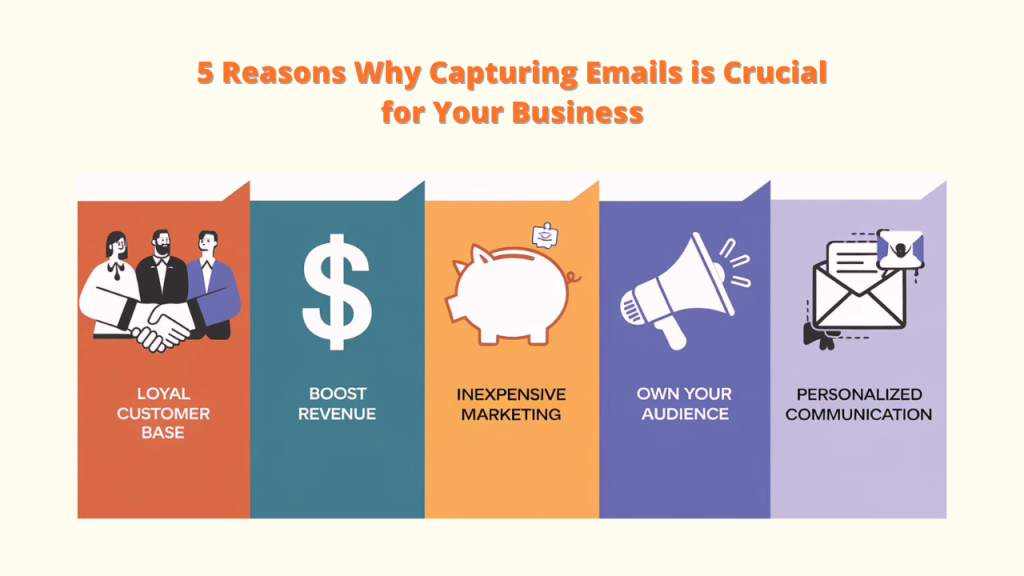
- Build a loyal customer base. Regular, useful emails keep you top of mind and build trust.
- Boost revenue. Promotions, product updates and offers go straight to people who have shown interest.
- Inexpensive marketing. Email is one of the cheapest channels to run once you have the list. Industry studies regularly rank it among the highest-ROI channels, though the exact figure varies by study.
- Own your audience. Social platforms change their rules. Your list stays yours.
- Personalized communication. Send different messages to new subscribers and long-time customers.
Quick comparison: 9 email collection tools for 2027
Prices are the lowest published paid plans I could read on each vendor's site at the time of writing. Check the vendor's page before buying.
| Tool | Best for | Starting paid price | Free plan | Form types |
|---|---|---|---|---|
| Converti (our pick) | All-in-one opt-ins plus social proof | From $6.99/mo or $67/yr (getconverti.xyz) | No (30-day money-back guarantee) | Newsletter pop-ups, email collector bar, modal collectors, countdown collector, phone collector |
| OptinMonster | Advanced pop-up campaigns | $9/mo billed yearly ($108 first year, renews at $210/yr) | No | Pop-ups, floating bars, slide-ins, inline |
| BDOW! (formerly Sumo) | Small sites wanting forms + email sends | $19/mo billed yearly ($228/yr) or $25/mo | No free plan shown (14-day trial) | Pop-ups, forms, social proof pop-ups |
| Getsitecontrol | Free plan with no badge | $19/mo (Pro) | Yes (10,000 widget views/mo) | Pop-ups, bars, forms, surveys |
| Poptin | Budget pop-ups and forms | $20/mo billed yearly ($240/yr) or $25/mo | Yes (1,000 visitors/mo) | Pop-ups, embedded forms |
| Wisepops | High-traffic Shopify brands | $299/mo (Shopify, 500K pageviews) | No (14-day trial) | Pop-ups, bars, embeds, web push |
| Omniconvert | CRO and customer-value analytics | From $49/mo | Yes ("Founding Free") | Analytics and growth ideas (check current on-site features) |
| Jotform | Full forms and surveys | $39/mo, or $34/mo billed yearly | Yes (5 forms, 100 submissions/mo) | Forms of every kind |
| OnSpot Social | In-person events and kiosks | $39 per device/mo (Standard) | Not listed | iPad lead-capture app |
The 9 best email collection tools in 2027
1. Converti: best all-in-one email collection and conversion toolkit
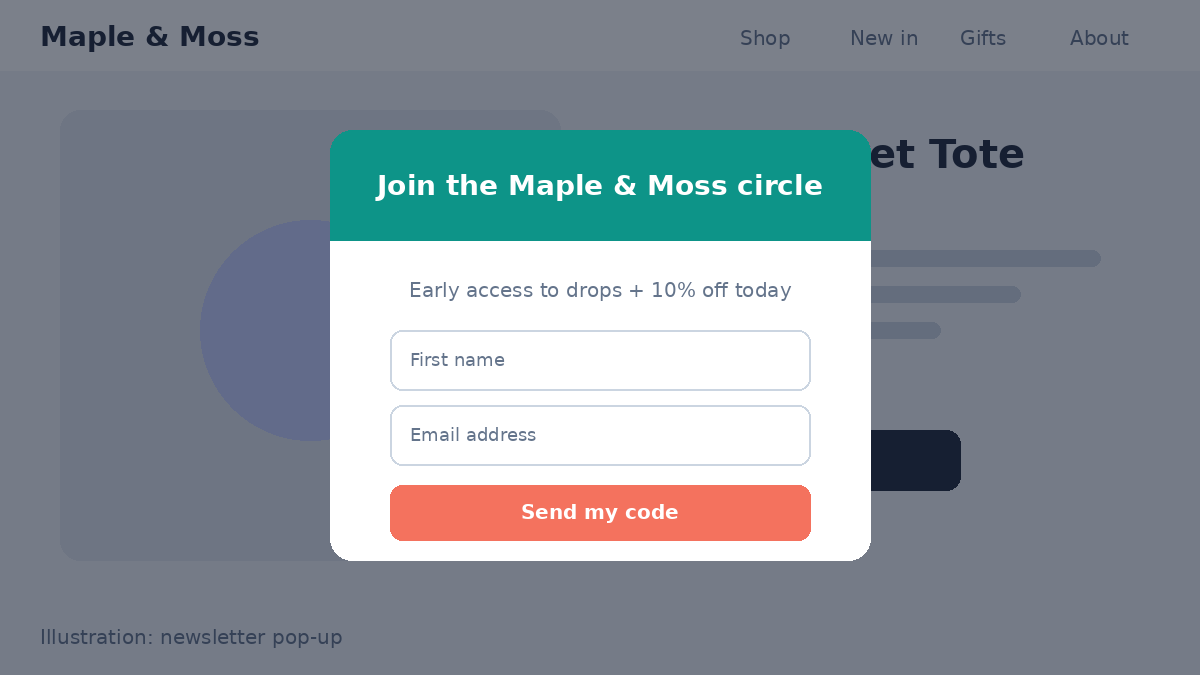
Converti is a single script that adds 39 widgets to any website, and a big share of them are built for lead capture. I use it on all of our own sales sites.
Lead-capture widgets include:
- Four newsletter pop-up designs that float on screen and give visitors a quick way to subscribe
- An email collector: a discreet single-field bar that captures emails without pulling attention from your main message
- Collector bar, modal collectors and a request collector
- A countdown collector that pairs a sign-up with a deadline
- A phone number collector for callbacks and sales calls
- An all-in-one chat button that collects messenger contacts from WhatsApp, Messenger, Telegram and more
Because Converti also includes social proof (recent sales, reviews, a conversions counter and live visitors), you can show "1,482 people signed up this week" right under your form. Leads can be sent anywhere with webhooks (Pro plan), and widget data and analytics export as CSV. Widgets are responsive and load asynchronously, and you control which pages each one appears on and its delay.
Pros: - Opt-in forms, social proof, coupons and chat in one script and one dashboard - Works on WordPress, Shopify, page builders, funnel builders and hand-coded sites - Live chat support 24/6 and a 30-day money-back guarantee
Cons: - No free plan - Webhooks and branding removal require Pro; Elite is limited to 10 widgets
Start collecting more emails with Converti →
2. OptinMonster
OptinMonster is a long-standing pop-up builder with pop-ups, floating bars, slide-ins and inline forms, plus targeting and exit-intent triggers. It integrates with every major email service. Basic is $9/month billed yearly ($108 for the first year, renewing at $210/year) for 1 site and 2,500 campaign impressions; Plus is $27/month and Pro $37/month (first-year pricing).
Pros: powerful targeting and triggers; lots of templates. Cons: low impression limits on Basic; renewal prices are much higher than first-year prices.
3. BDOW! (formerly Sumo)
If you remember Sumo, it's now BDOW!. Showit acquired Sumo and rebuilt it under the new name, and sumo.com no longer sells the tool. BDOW! now sells one Pro plan: $25/month, or $19/month billed yearly, for 1 site and 1,000 stored contacts, with unlimited native email sends and social proof pop-ups up to 50,000 page views. There's a 14-day trial with a card required.
Pros: forms and email sending in one place; A/B tests and integrations with Mailchimp, Flodesk, Kit and AWeber. Cons: price scales with stored contacts; a second site needs a second subscription.
4. Getsitecontrol
Getsitecontrol offers pop-ups, bars, forms and surveys plus built-in email marketing. Its free plan includes 10,000 monthly widget views. Pro is $19/month (100,000 views) and Pro Max $29/month (unlimited views), with per-email sending fees on top.
Pros: generous free plan; branding removal on paid plans. Cons: email sends are billed per 1,000.
5. Poptin (new for 2027)
Poptin replaces Clearbit in this list, since Clearbit joined HubSpot and is no longer a stand-alone form tool. Poptin has a free-forever plan for 1,000 visitors a month. Basic is $25/month, or $240/year billed annually.
Pros: easy builder; useful free plan. Cons: visitor limits on lower tiers.
6. Wisepops
Wisepops has moved upmarket. Its Shopify plan is $299/month for up to 500,000 pageviews, and its managed plans start in the hundreds of euros per month (the vendor quotes from €499 to €599 depending on the page). It bills by pageviews, not pop-up displays.
Pros: strong for high-traffic stores; A/B testing and Klaviyo integration. Cons: far too expensive for small sites; no free plan.
7. Omniconvert
Omniconvert is a CRO and customer-value platform. Its current pricing page lists a free "Founding Free" plan and paid tiers from $49/month. Its product line has changed recently, so check which plan includes on-site pop-ups before you buy.
Pros: deep analytics for ecommerce teams. Cons: more than most small sites need; pricing is credit-based.
8. Jotform
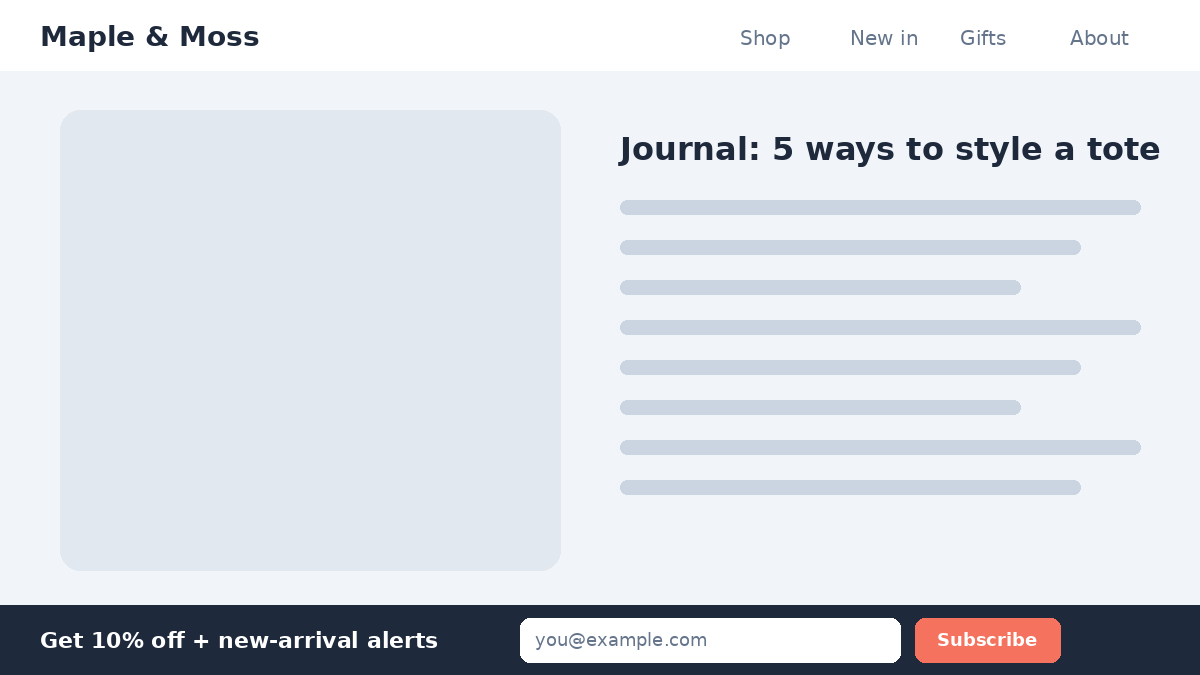
Jotform is a full form builder, ideal when you need more than an email field, such as quizzes, applications or order forms. The free Starter plan allows 5 forms and 100 submissions a month. Bronze is $39/month, or $34/month billed yearly.
Pros: any form you can imagine; free plan; 30-day money-back guarantee. Cons: not built for pop-ups or on-site triggers; Jotform branding on the free plan.
9. OnSpot Social
OnSpot Social is different: it's an iPad app for collecting emails and leads in person at events, stores and trade shows. Standard is $39 per device per month, with a lower per-device rate on longer billing terms.
Pros: great for offline lead capture and events. Cons: not a website tool; priced per device.
Best practices to grow your email list in 2027
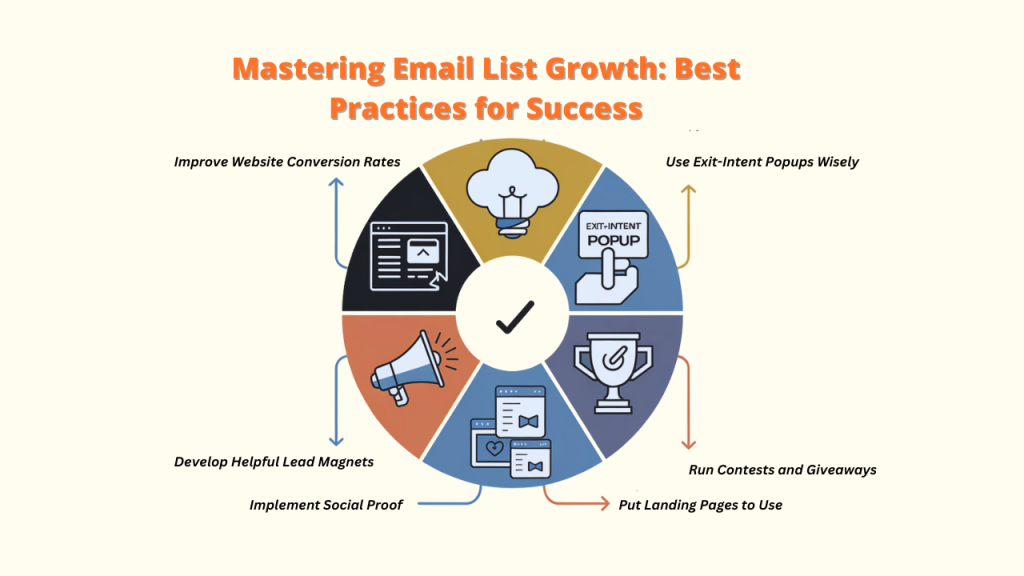
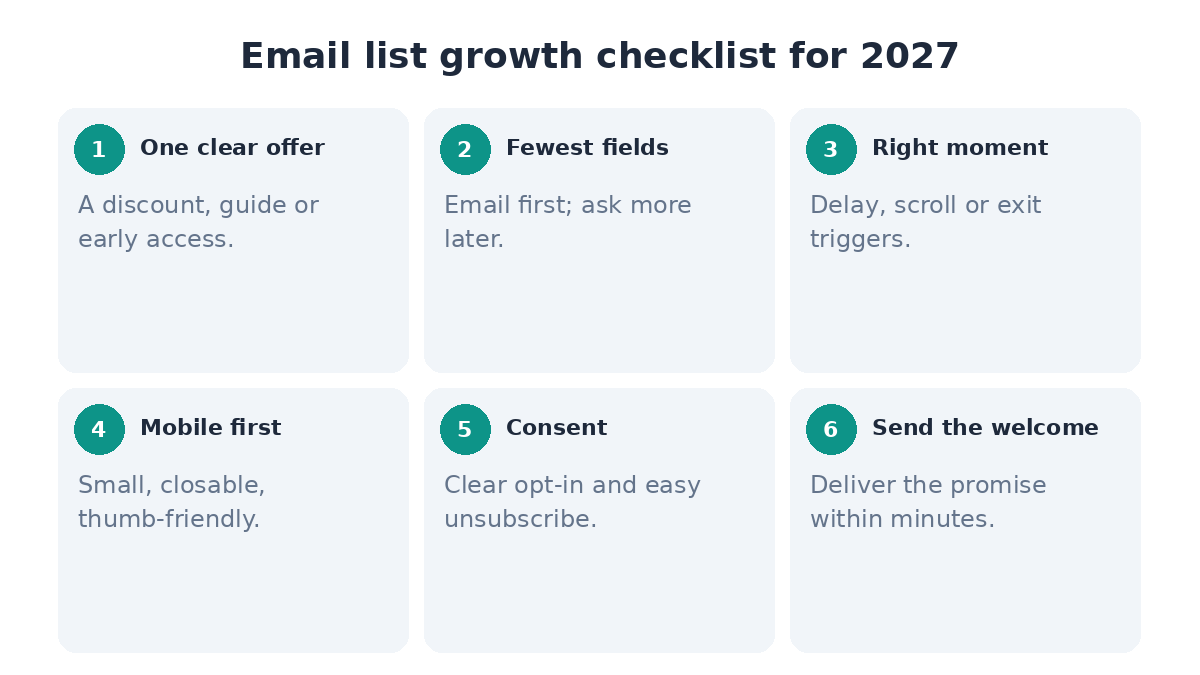
1. Put forms where visitors already are. Place opt-ins on high-traffic pages and keep the call to action clear: say exactly what subscribers get.
2. Offer a real lead magnet. A discount, guide, checklist or early access. It must match what that page's visitors care about.
3. Time your pop-ups. Use a delay or scroll trigger rather than hitting people the instant they land. With Converti you set the delay for each widget.
4. Add social proof to your form. A conversions counter or recent-sign-up notification shows that others value your emails.
5. Keep fields to a minimum. Ask for an email first. Collect more later.
6. Design for mobile first. Small, easy to close, and thumb-friendly.
7. Run contests and giveaways carefully. Pick prizes your real audience wants, or you'll fill your list with people who never buy. A scratch-card widget is a light way to gamify an offer.
8. Use dedicated landing pages for big offers, with one goal and no distractions.
9. Get clear consent. Tell people what they're signing up for and make unsubscribing easy.
Typical mistakes to avoid
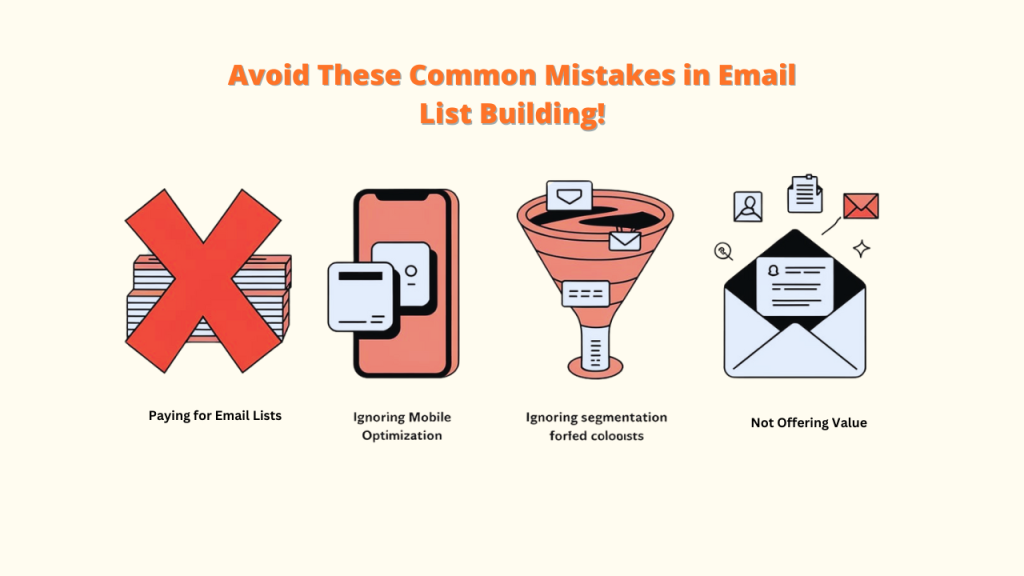
- Buying email lists. Purchased lists bring poor engagement, spam complaints and deliverability problems. Grow your list organically.
- Ignoring mobile. Forms that don't fit a phone screen lose sign-ups. Converti widgets are responsive across phones, tablets and desktops.
- Ignoring segmentation. Collect useful details at sign-up, or later, and send relevant content.
- Not offering value. Every email should give subscribers something useful.
- Showing too many forms at once. One well-timed form beats three competing ones.
FAQ
What is the best email collection tool in 2027?
I recommend Converti for most small businesses and stores, because the same script gives you opt-in forms, social proof, coupons and chat buttons. If you need complex multi-page forms, Jotform is a strong add-on.
When is the right time to send emails to my list?
Test it. Many senders find mid-week mornings work, but your audience's time zone and habits matter more than any general rule.
Is it acceptable to collect emails using pop-ups?
Yes, if they're relevant, well timed and easy to close. Avoid showing a pop-up the moment someone lands, and don't cover the whole screen on mobile.
How can I reduce unsubscribe rates?
Send content people signed up for, segment your list, and don't email too often. Set expectations at sign-up about what you'll send and how often.
What is a good opt-in form conversion rate?
It varies widely by offer, traffic and form type. Rates of a few percent are commonly reported, and well-optimized offers can do much better.
Do I need a free plan to start?
No. Free plans are handy for testing, but Converti's 30-day money-back guarantee lets you try every widget on your real site and get a full refund if it isn't right.
Can I send collected emails to my email marketing platform?
Yes. Converti's Pro plan sends collected leads anywhere with webhooks, and you can export data as CSV on any plan.
Conclusion
The right email collection tool turns visitors who would have left into subscribers you can talk to again and again. OptinMonster, BDOW!, Getsitecontrol, Poptin, Wisepops, Omniconvert, Jotform and OnSpot Social each have a place. For most websites and stores, though, I'd start with Converti: opt-in forms, social proof and offers in one lightweight script.