There was a time when simply being online gave you an edge. Not anymore. Today, having a website is the bare minimum, and visitors expect more: fast pages, easy navigation, trust signals and a reason to stay. If they don't get that in a few seconds, they hit the back button.
So how do you make your site stand out without hiring a developer? Website widgets.
Widgets are small add-ons you place on your site to make it more useful, more trustworthy and better at converting. In this 2027 update I'll cover the 11 widget types I think every business site should consider, the tools I'd use for each (with current prices from the vendors' own pages), and the mistakes to avoid. Converti is our own product at Teknikforce, and since it covers many of these categories in one script, it's my first recommendation, but I've included strong alternatives too.
Why website widgets matter
How widgets fix common website problems
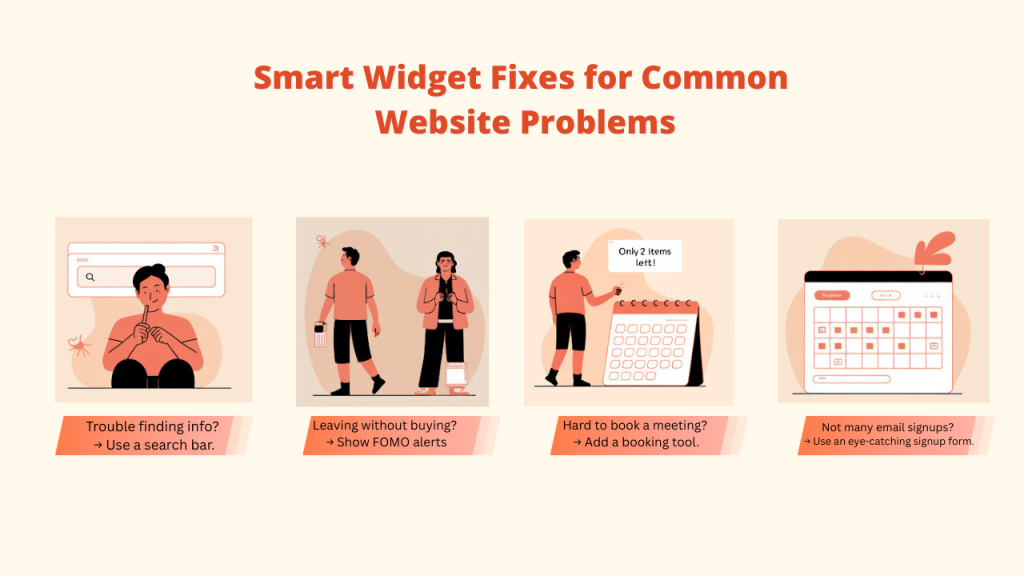
- Visitors can't find answers → a chat button gets them to you in one tap.
- Visitors don't trust a new store → sales notifications and reviews show real customers.
- Visitors leave without acting → a coupon, countdown or opt-in gives them a reason to act now.
- You don't know what visitors think → a feedback widget asks them.
How widgets give you a competitive edge
Widgets let a small business offer the same experience as a big one: live help, social proof, timely offers and personalized prompts, often for a few dollars a month and without code.
Tips for choosing the right widgets
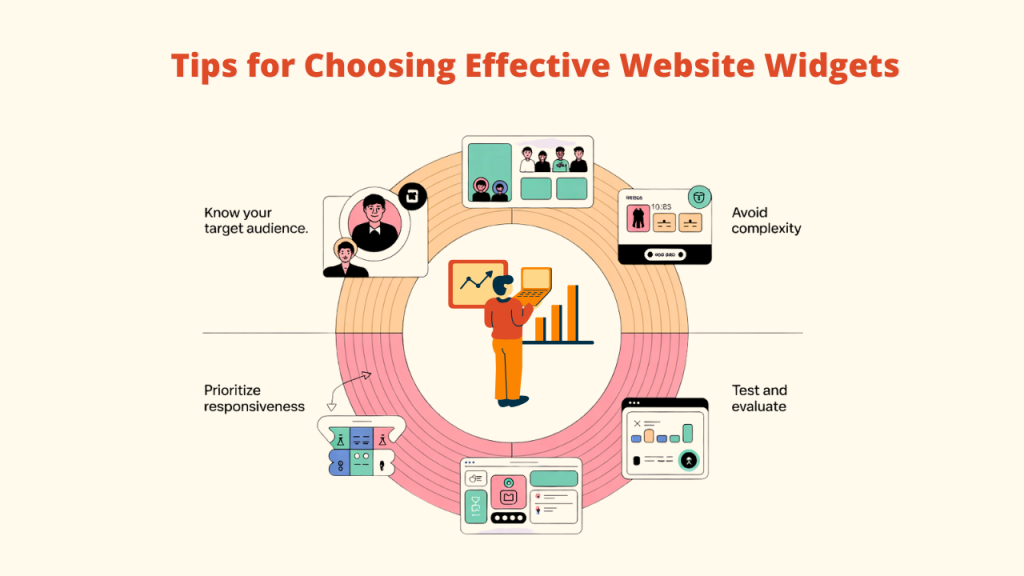
- Know your audience. A store needs sales pop-ups and free-shipping bars; a blog needs email capture and share prompts.
- Avoid clutter. Every widget should have one job. Too many slow your site and look messy.
- Prioritize responsiveness. Widgets must work on phones, tablets and desktops.
- Test and measure. Check whether each widget is used and whether it helps. Remove the ones that don't.
Summary table: 11 must-have website widgets in 2027
| # | Widget type | What it does | Converti includes it? | Alternative tools (starting price) |
|---|---|---|---|---|
| 1 | Social feeds & sharing | Shows social content, prompts shares | Yes (social share prompt) | EmbedSocial (free plan; Pro $29/mo), Elfsight (free; from $5/mo billed yearly) |
| 2 | Live chat & messaging | Lets visitors contact you | Yes (all-in-one + WhatsApp, Messenger, Telegram, Viber, Discord buttons) | Tidio (free; Starter $24.17/mo), LiveChat ($19/user/mo billed yearly) |
| 3 | Pop-ups & lead generation | Captures emails and leads | Yes (newsletter pop-ups, collectors, phone collector) | Hello Bar (free; from $29/mo billed yearly), OptinMonster (from $9/mo billed yearly) |
| 4 | Reviews & testimonials | Shows ratings and reviews | Yes (review notifications, Google Business reviews, CSV import) | EmbedSocial, Elfsight |
| 5 | SEO & analytics | Tracks visitor behaviour | Per-widget analytics only | Google Analytics (free), Jetpack (WordPress) |
| 6 | Ecommerce | Sells and nudges purchases | Yes (coupon, free-shipping, scratch card, CTA timer) | Shopify Buy Button, Ecwid, Snipcart (check current prices on their sites) |
| 7 | Notifications & FOMO | Shows recent sales and visitors | Yes (recent sales, conversions counter, live visitors) | Fomo (from $25/mo), WiserNotify (from $59/yr) |
| 8 | Security & privacy | Protects the site | No | Cloudflare (free plan), Wordfence (free plugin) |
| 9 | Cookie consent | Informs visitors about cookies | Yes (cookie notice) | CookieYes (free; Basic $10/mo per domain) |
| 10 | Performance optimization | Speeds up pages | Widgets load asynchronously | WP Rocket (Single from $4/mo billed yearly), Autoptimize (free) |
| 11 | Email subscription forms | Grows your list | Yes (email collector bar, newsletter pop-ups) | Getsitecontrol (free; Pro $19/mo), Thrive Leads (in Thrive Suite, $299/yr first year) |
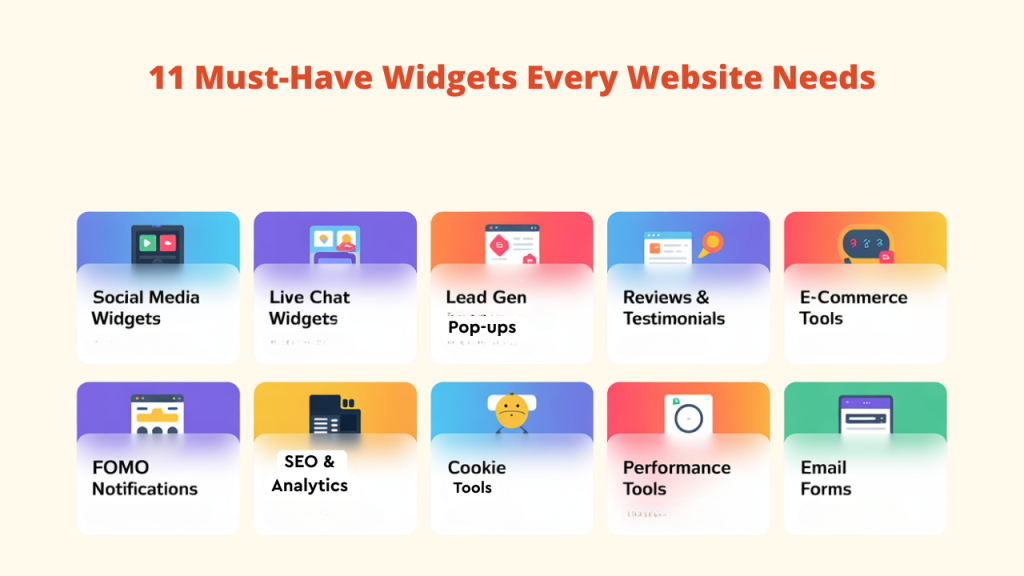
The 11 must-have website widgets
1. Social media feeds & sharing widgets
Social widgets keep your content fresh and encourage visitors to spread the word.
- Converti: a social share widget that asks visitors to share your page. A prompt works far better than buttons people have learned to ignore.
- EmbedSocial: displays feeds and reviews from multiple platforms; free plan, Pro $29/month.
- Elfsight: a large library of embeddable widgets including social feeds; free plan, paid from $5/month billed yearly.
2. Live chat & messaging widgets
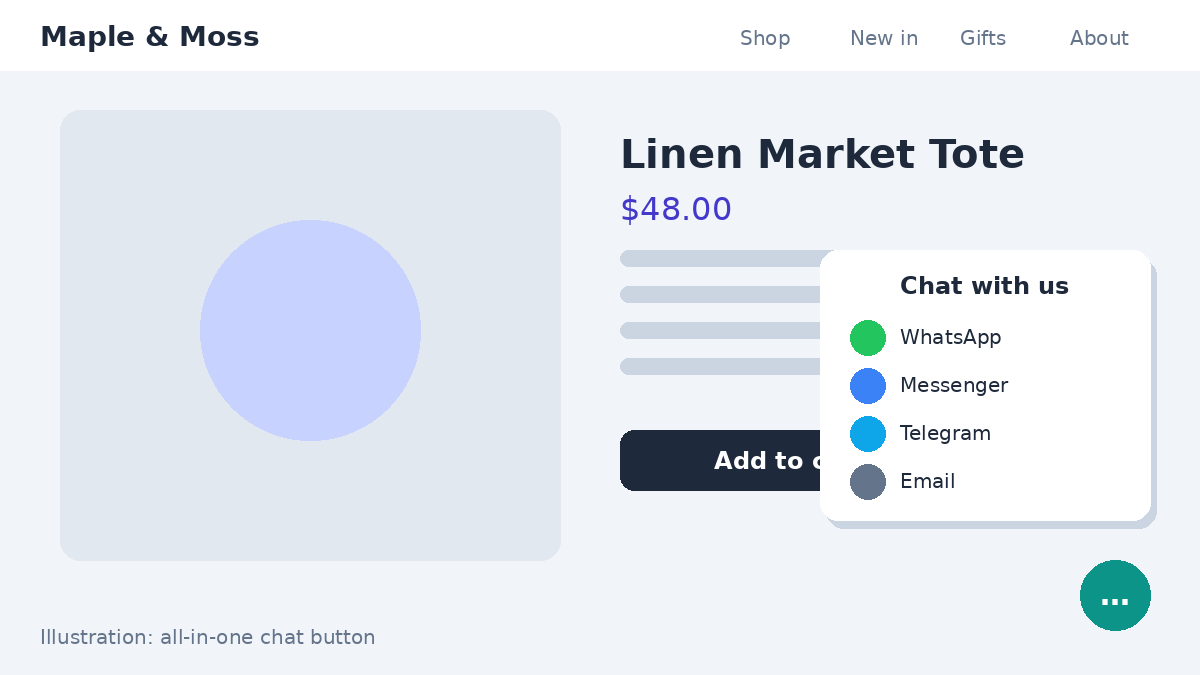
Visitors with a question want an answer now. A chat widget gives them a direct line.
- Converti: an all-in-one chat button that lets visitors reach you on WhatsApp, Messenger, Telegram, Discord, X and more, and collects their contact details. There are also dedicated buttons for WhatsApp, Facebook Messenger, Telegram, Viber and Discord. (Conversations happen in the messaging app you already use; Converti is not an AI chatbot.)
- Tidio: live chat plus AI features; free plan, Starter $24.17/month.
- LiveChat: full help-desk-style chat; from $19 per user/month billed yearly.
3. Pop-ups & lead generation widgets
Well-timed pop-ups and bars turn passing traffic into leads.
- Converti: newsletter pop-ups, modal collectors, a countdown collector and a phone number collector, with a custom delay and page rules for each.
- Hello Bar: a simple notification bar and pop-up builder; free Starter plan, paid from $29/month billed yearly.
- OptinMonster: advanced targeting and campaign types; Basic from $9/month billed yearly.
4. Reviews & testimonials widgets
Shoppers trust other shoppers more than they trust you.
- Converti: review notifications with the customer's photo, star rating and source. Reviews are pulled from your Google Business profile automatically, or imported by CSV.
- EmbedSocial and Elfsight: embeddable review walls and badges.
5. SEO & analytics widgets
You can't improve what you don't measure.
- Google Analytics: free, the standard for traffic tracking.
- Jetpack: WordPress stats plus security features.
- Converti: detailed per-widget analytics, exportable as CSV, so you know which widgets earn their place.
6. Ecommerce widgets
Ecommerce widgets help you sell, or sell more.
- Converti: coupon and coupon bar, free-shipping notice, scratch-to-win card and a call to action with a deadline timer.
- Shopify Buy Button: embeds Shopify products on any site (requires a Shopify plan).
- Ecwid and Snipcart: add a store or cart to an existing site (check current pricing on their sites).
7. Notification & FOMO widgets
Recent-sales and live-visitor notifications make a site feel busy and trusted.
- Converti: recent sales notifications with a "verified by Converti" badge, conversions counter, live visitors and visitors-in-a-period counters, fed by real conversions or imported orders.
- Fomo: 100+ integrations; from $25/month.
- WiserNotify: from $59/year for small sites.
8. Security & privacy widgets
Trust also means safety.
- Cloudflare: CDN and protection against attacks, with a free plan.
- Wordfence Security: firewall and malware scanning for WordPress, with a free version.
9. Cookie consent widgets
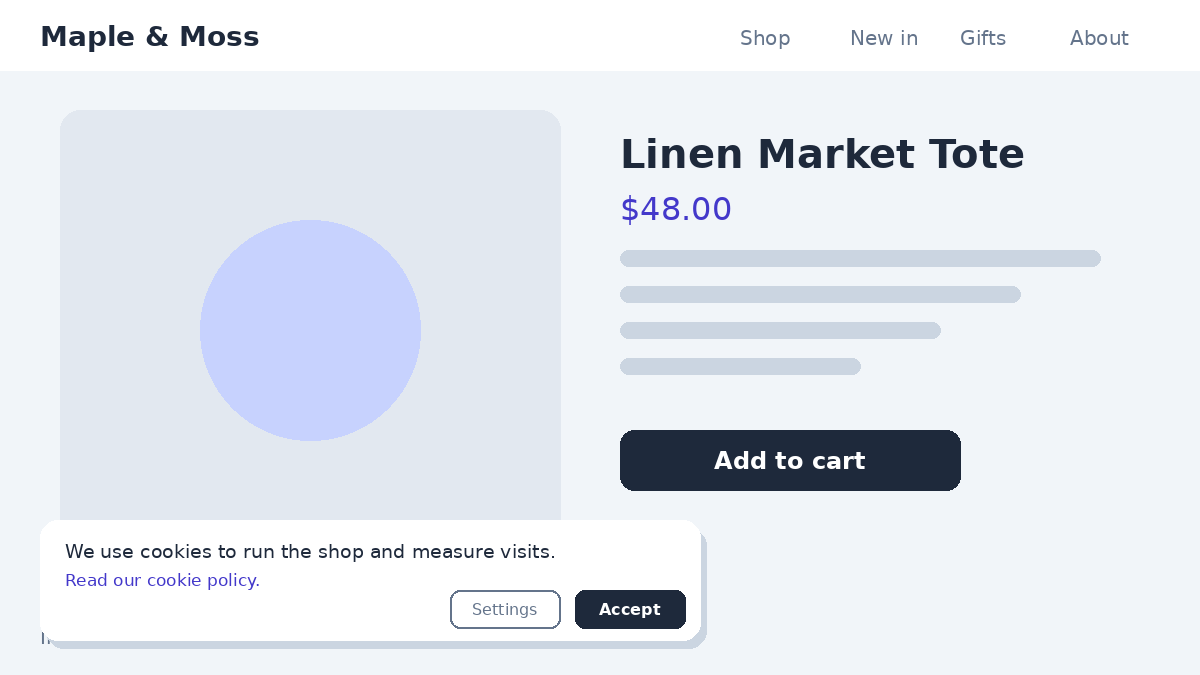
If you use cookies, you need to tell visitors.
- Converti: a built-in cookie notice, so you don't need another plugin for a simple notice.
- CookieYes: full consent management with cookie scanning, for stricter compliance needs; free plan, Basic $10/month per domain.
10. Performance optimization widgets
Slow sites lose visitors and rankings.
- WP Rocket: caching and optimization for WordPress, with a Single-site licence from $4/month billed yearly.
- Autoptimize: free plugin to optimize scripts and styles.
- Lazy loading: load images and videos only when needed (built into modern browsers and WordPress).
- Converti: widgets are lightweight and load asynchronously, so they don't hold up your page.
11. Email subscription forms
Email is still one of the best channels you own.
- Converti: a discreet email collector bar plus floating newsletter pop-ups that convert visitors without being annoying.
- Getsitecontrol: forms plus built-in email; free plan, Pro $19/month.
- Thrive Leads: WordPress opt-in plugin, included in Thrive Suite ($299/year first year).
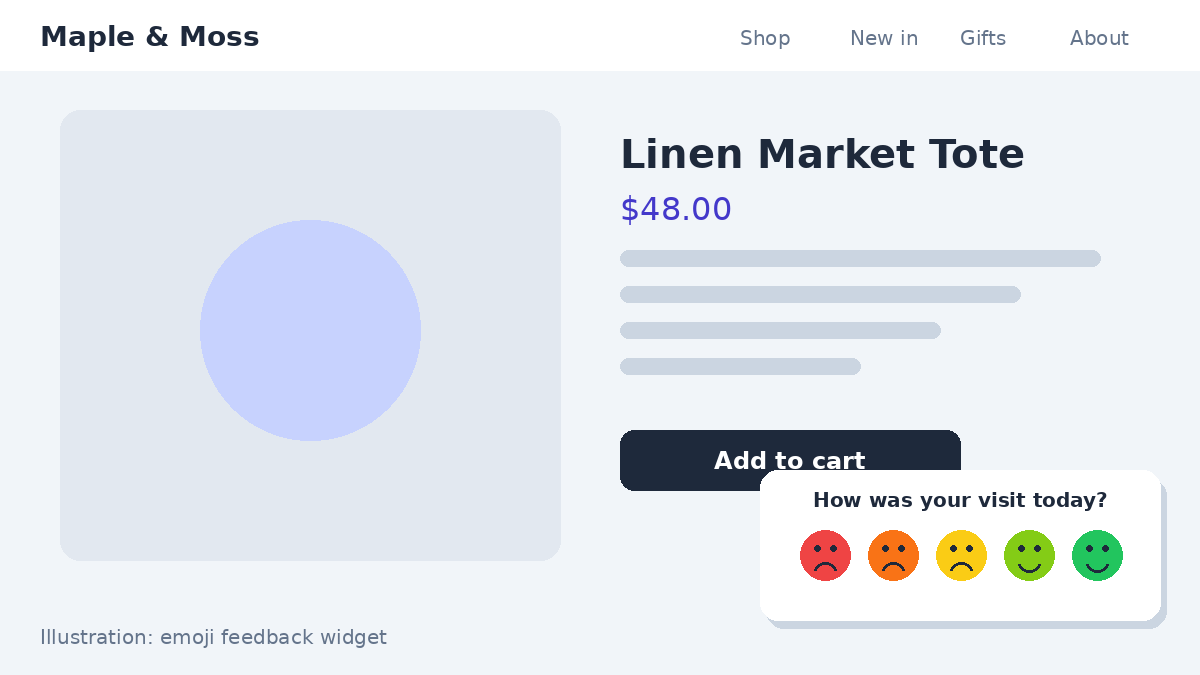
Bonus: customer feedback. Converti's emoji, score and text feedback widgets ask visitors to rate their experience, so you learn exactly how people respond to your site.
Common mistakes to avoid when placing widgets
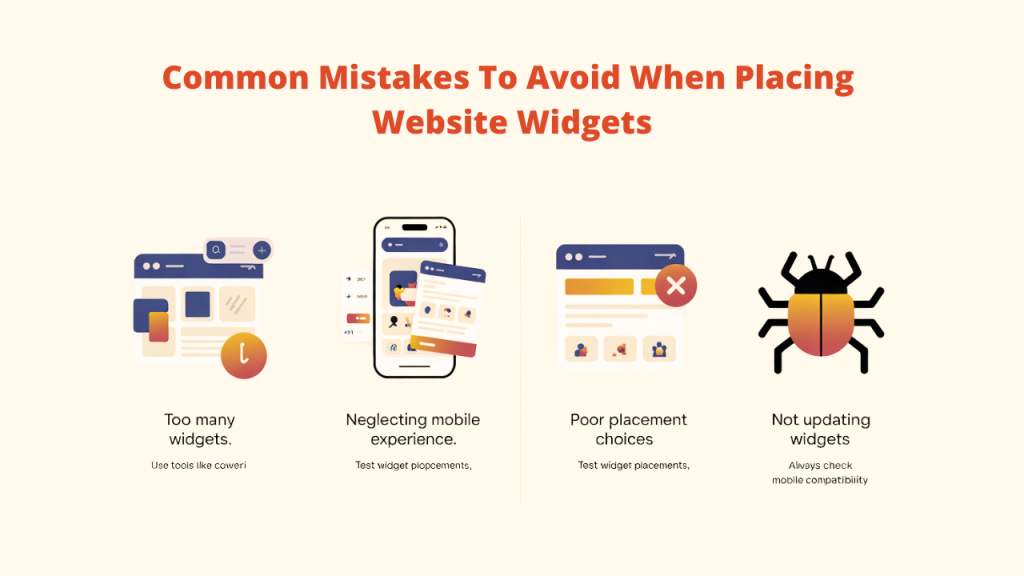
- Too many widgets at once. They compete for attention and slow the page. Start with two or three.
- Neglecting mobile. Test every widget on a phone. Converti widgets are responsive by default.
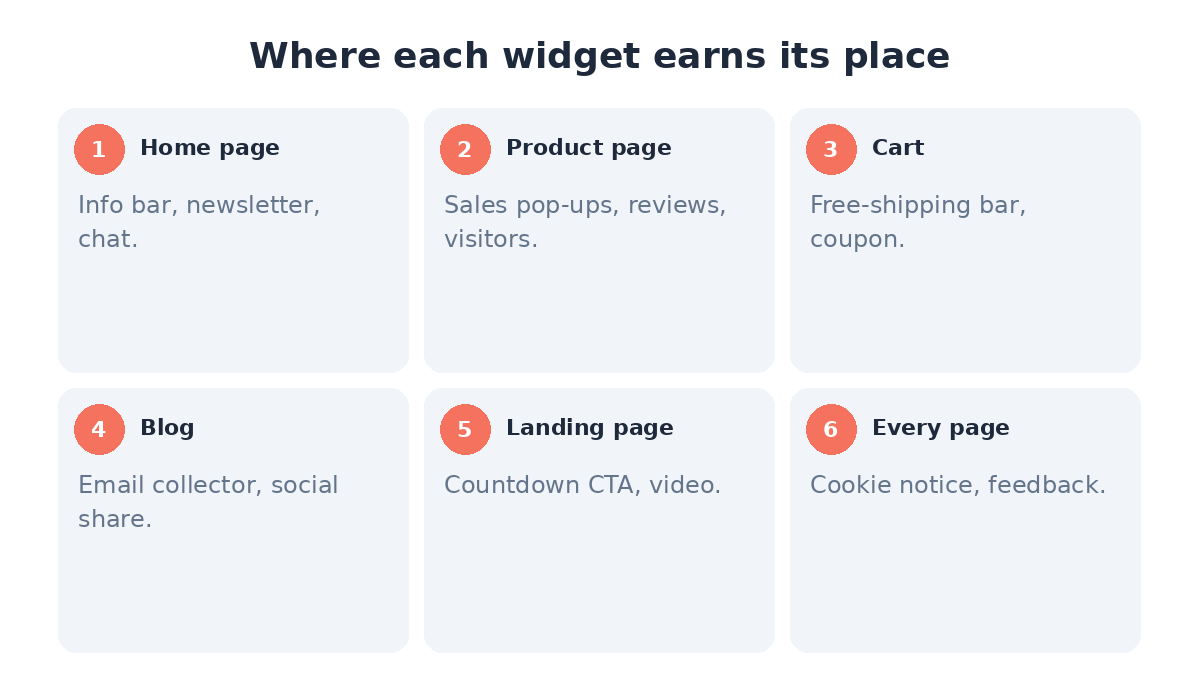
- Poor placement. Put each widget where it supports the page goal: proof on product pages, free shipping in the cart, opt-ins on the blog.
- Never reviewing results. Check analytics regularly and remove what doesn't work.
- Running fake urgency or fake proof. Timers that reset and invented sales destroy trust. Use real deadlines and real data.
FAQ
What are the most important website widgets in 2027?
For most business sites: a chat button, social proof notifications, reviews, an email opt-in, a cookie notice and, for stores, coupon and free-shipping widgets.
Can professional websites use free widgets?
Yes, but check for forced branding, ads and low usage limits. Paid plans usually remove branding and raise limits.
How many widgets should a website have?
There's no fixed number. I'd start with two or three per page and only add more when the data shows they help.
Do website widgets slow down a site?
Some do. Choose widgets that load asynchronously, like Converti's, and test page speed before and after adding anything.
Do website widgets help with SEO?
Not directly, but they can improve engagement and conversions. Heavy or intrusive widgets can hurt user experience, so keep them light and easy to close on mobile.
Can one tool replace several widgets?
Yes. Converti covers social proof, reviews, urgency, coupons, opt-ins, chat buttons, feedback and a cookie notice with one script and one dashboard.
Conclusion
The right widgets make your site feel helpful, trusted and alive, and they turn more visitors into leads and customers. You can stitch together separate tools for chat, reviews, pop-ups, notifications and cookies, or cover most of them at once.
My recommendation: start with Converti for social proof, offers, opt-ins, chat and cookie notices, then add specialist tools like Google Analytics and a caching plugin where you need them.